PNG to Word converter

Convert PNG to Editable Word

Turn one PNG image into a Word document you can review, edit, and download.

PNG only. One file up to 10 MB.

PNG to Word Converter

Choose one PNG image to convert into a Word document.

Your PNG is uploaded only when you start the conversion.

Real conversion evidence

Compare a PNG with its Word output

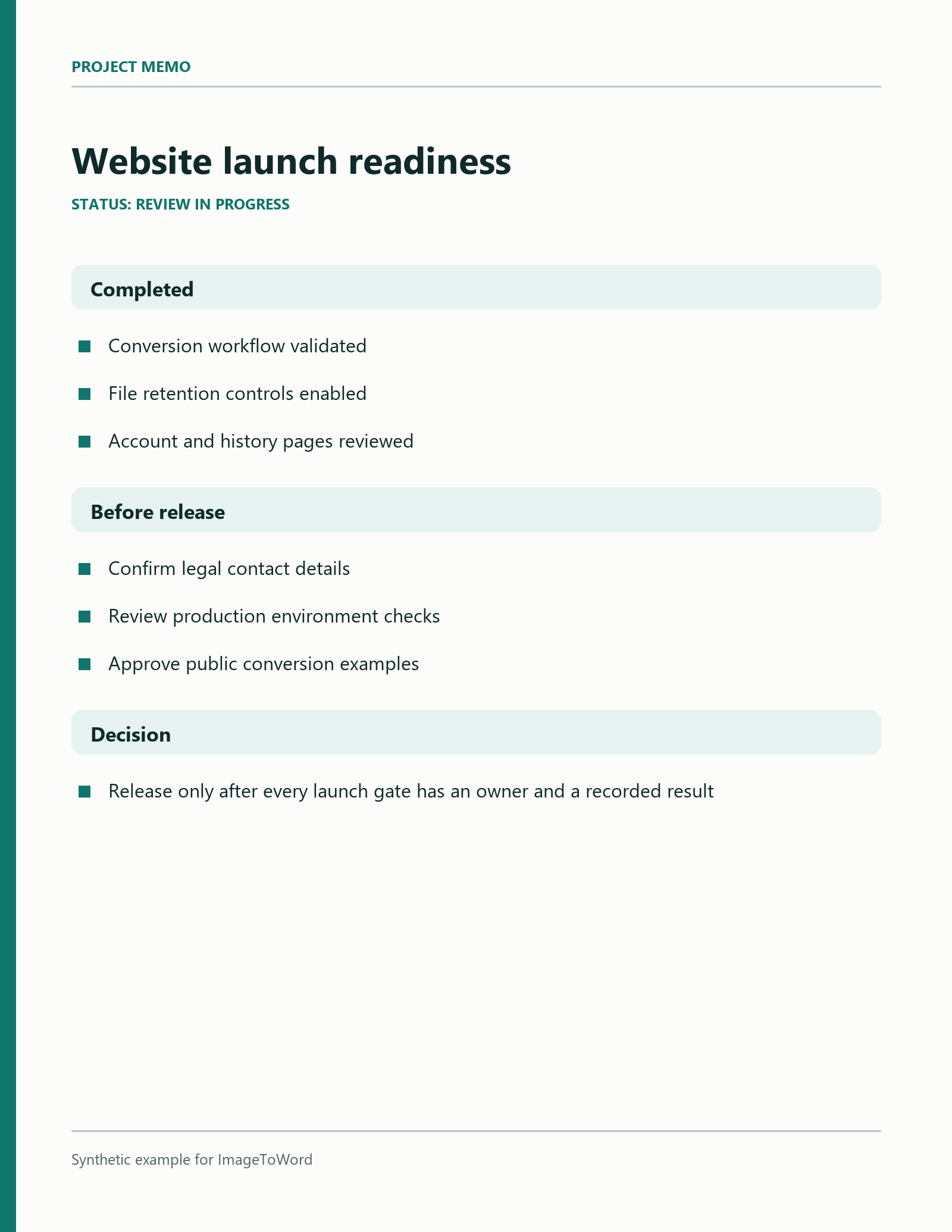
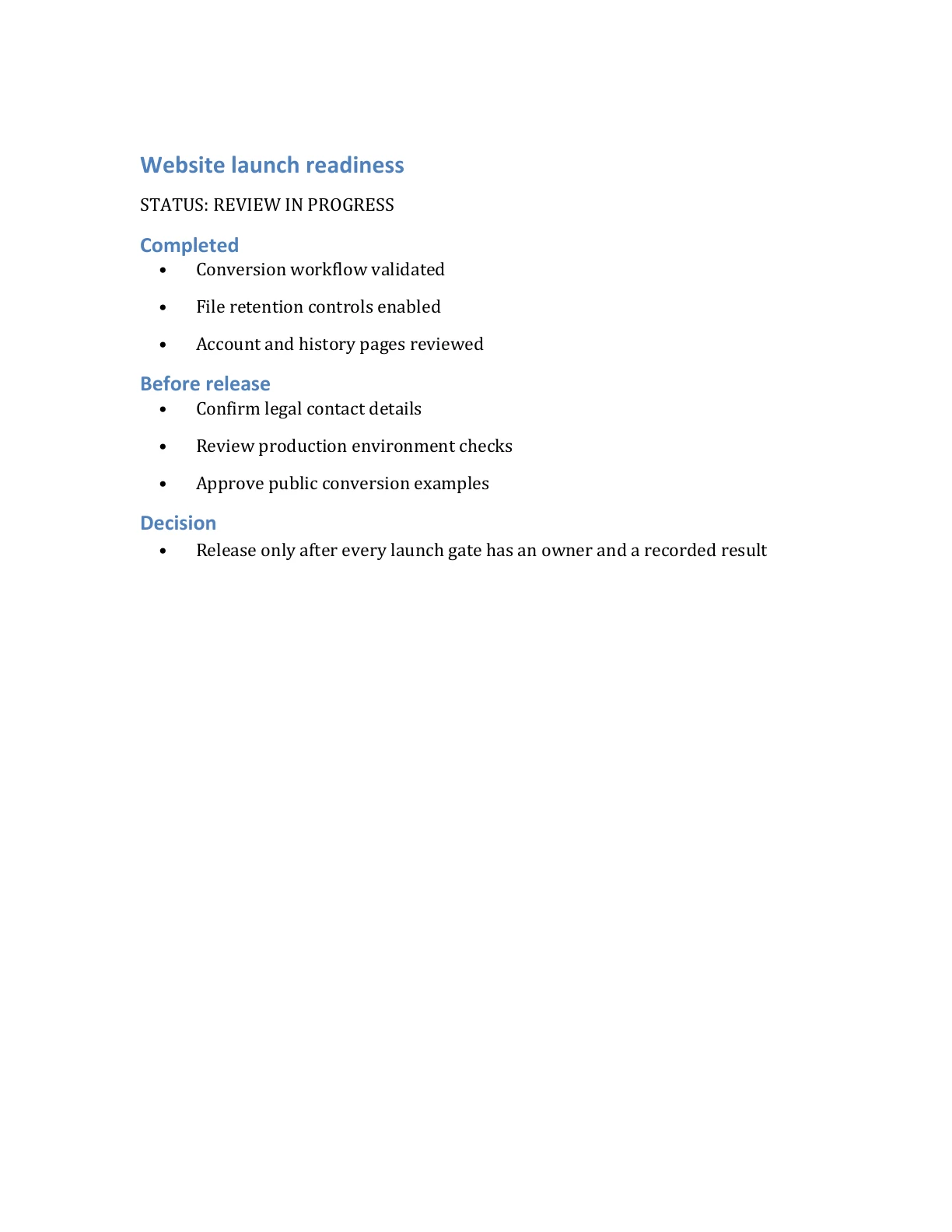
This synthetic project memo was submitted through the same conversion flow used above. Open both previews or download the DOCX to inspect the editable result.

PNG source

Project memo with section headings

The PNG source contains a title, short sections, and bullet lists. The generated DOCX keeps the recognized content readable and editable.

Synthetic source document. Word output generated by the live ImageToWord conversion flow.

Download DOCX
Input image
Open full size
Synthetic PNG project memo titled Website launch readiness
Word preview
Open full size
First page of the converted Word project memo with section headings and bullet lists

Prepare your PNG

Keep the source easy to read

PNG files often contain screenshots or exported documents. These checks make the recognized result easier to review without promising an exact copy of every visual detail.

Keep the original resolution

Upload the clearest available PNG instead of shrinking it until small letters become difficult to distinguish.

Use strong text contrast

Dark text on a light, solid background is easier to recognize than text over transparency, patterns, or low-contrast colors.

Crop unused canvas

Remove large empty margins and unrelated interface elements so the document content occupies more of the image.

Keep PNG text clear

Preserve the original screenshot or export, then review the Word result against the source.

Clear synthetic PNG project memo prepared for OCR
View all guides

Three steps

From PNG image to Word document

Use one focused workflow from selection through download.

  1. 01

    Choose a PNG

    Select, drag, or paste one PNG image up to 10 MB.

  2. 02

    Start the conversion

    Sign in and submit the image, then follow its status on your private result page.

  3. 03

    Review and download

    Check the recognized content and download the DOCX while the result is available.

PNG to Word questions

Details about PNG input, screenshots, editable output, accounts, and file retention.

Convert your PNG into a Word document

Choose one clear PNG, review the editable output, and download the DOCX while it is available.