Image to Word converter

Convert Images to Editable Word Documents

Upload a JPEG, PNG, or WEBP image and turn its content into an editable Word document.

JPEG, PNG, or WEBP. One file up to 10 MB.

Image to Word Converter

Choose one image to convert into a Word document.

Your image is uploaded only when you start the conversion.

Simple workflow

How image to Word conversion works

A focused three-step path from an image file to an editable document.

  1. 01

    Upload an image

    Choose a supported image from your device or paste one from your clipboard.

  2. 02

    Convert the content

    ImageToWord recognizes the content and prepares an editable document.

  3. 03

    Download the document

    Preview the recognized content and download the completed DOCX file.

From source image to editable document

Follow the conversion status, review the recognized content, and download a Word document when it is ready.

Editable output

A Word document you can keep working in

ImageToWord converts recognized content into DOCX and provides a Markdown preview while the result is available.

JPEG, PNG, WEBP

Your source image

OCR conversion

Markdown preview included

Download the DOCX
Supported image formats

Choose one JPEG, PNG, or WEBP image from your device or clipboard.

Open PNG converter

Clear file limit

Convert one image up to 10 MB at a time, with its name, type, and size shown before upload.

Real conversion example

Inspect the source and Word output

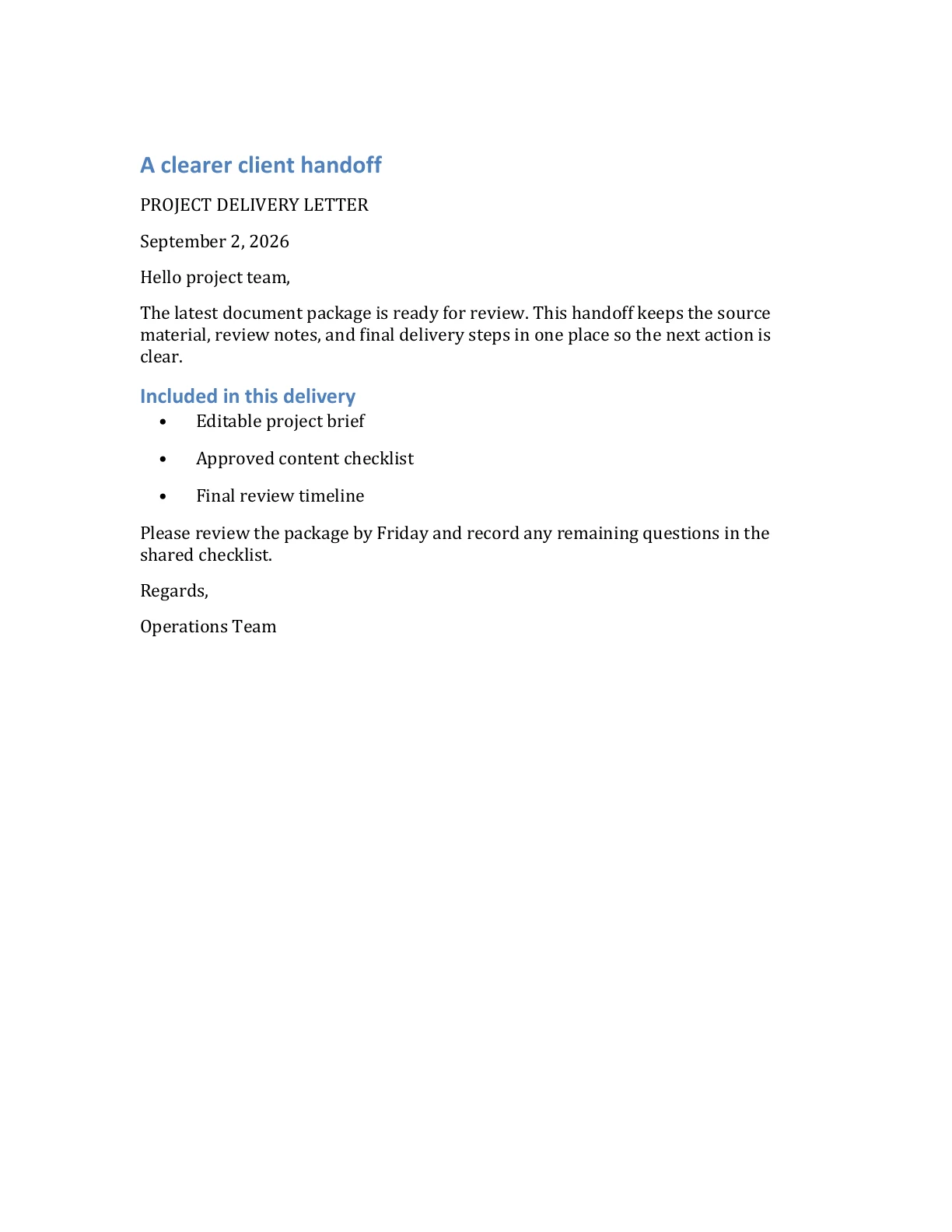
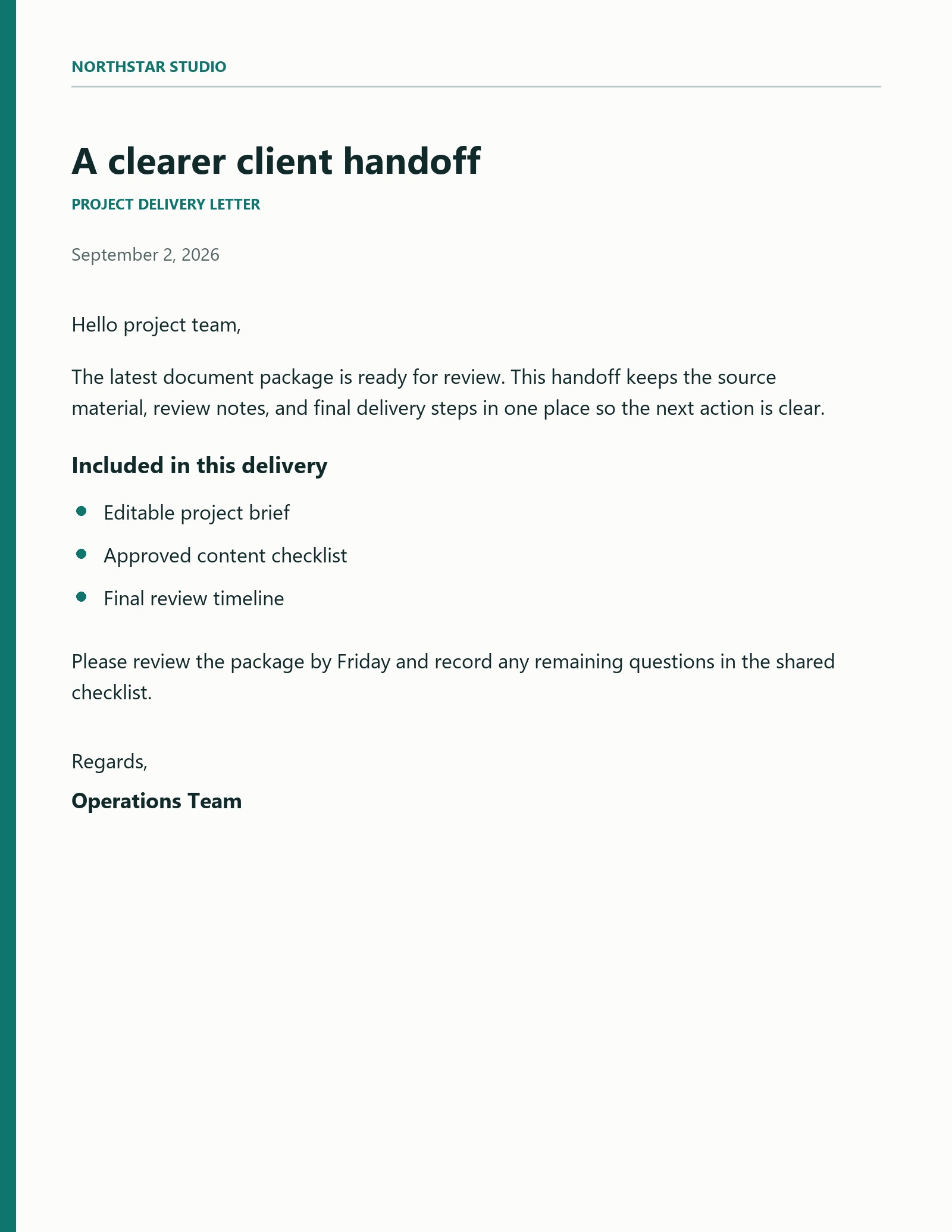
This synthetic JPEG business letter was converted by the live ImageToWord flow. Compare both pages, then download the DOCX to review the editable result.

JPEG source

Business letter with paragraphs and bullets

The source contains a title, dated body copy, and a three-item delivery list. The Word output keeps the recognized text editable and separates the heading, paragraphs, and bullets.

Synthetic source document. Word output generated by the live ImageToWord conversion flow.

Download DOCX
Input image
Open full size
Synthetic JPEG business letter titled A clearer client handoff
Word preview
Open full size
First page of the converted Word business letter with editable headings, paragraphs, and bullets

Get a better Word result

Use practical guidance for source preparation, format choice, and checking editable output.

Word preview generated from a synthetic business letter
View all guides

Frequently asked questions

Answers about image selection, privacy, and Word downloads.

Turn your next image into a Word document

Choose a supported image and start a private conversion from your ImageToWord account.