Photo to Word converter

Convert a Photo to Editable Word

Turn a clear document photo into a Word file you can review, edit, and download.

JPEG, PNG, or WEBP. One photo up to 10 MB.

Photo to Word Converter

Choose one document photo to convert into a Word document.

Your photo is uploaded only when you start the conversion.

Make the document easy to read

A careful photo reduces the cleanup needed after conversion. Check the page before you upload it.

Hold the camera steady

Use a sharp photo where small letters have clear edges and motion blur does not cover the text.

Keep the whole page visible

Include every page edge and avoid cropping headings, footnotes, or content near the margins.

Reduce glare and shadows

Move the page or light source until bright reflections and dark hand shadows no longer cross the text.

Photograph the page straight on

Keep the camera as parallel to the document as practical so lines do not narrow toward one edge.

Your file and result

Selection stays local

Choosing a photo creates a browser preview. Upload starts only after you sign in and choose Convert to Word.

Files have a limited window

Download your DOCX when it is ready. Automatic deletion within 24 hours is not guaranteed. You can request file deletion from Conversion history.

You can delete sooner

Your conversion history includes a permanent delete action for the files and visible task record.

Compare a document photo with its Word output

This synthetic desk photo was submitted through the live conversion flow. Open both images or download the DOCX to inspect the editable result.

JPEG source

Document photo with perspective and natural light

The source is a synthetic smartphone-style photo of structured visit notes. The Word output contains editable headings, paragraphs, and action items.

Synthetic source document. Word output generated by the live ImageToWord conversion flow.

Download DOCX
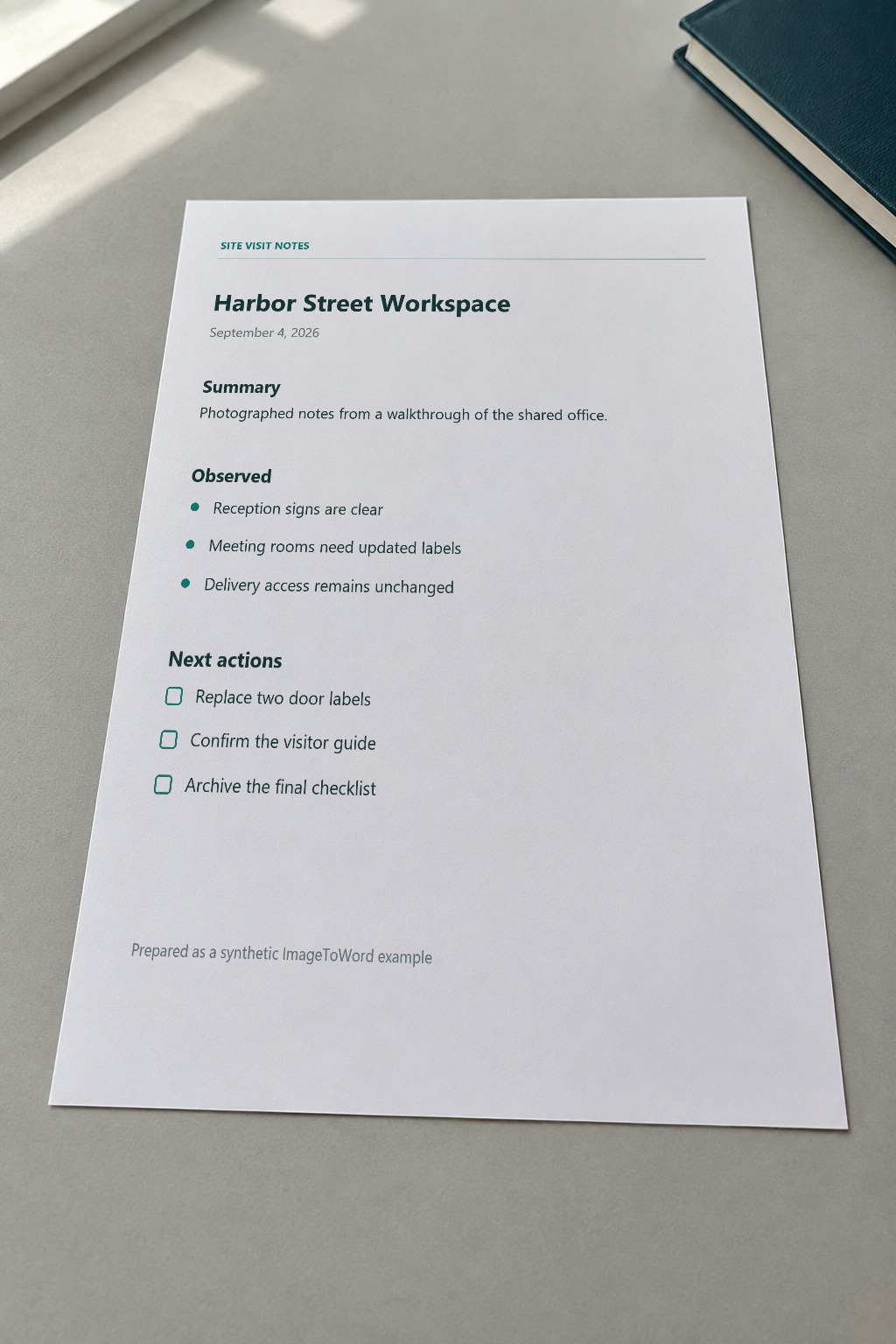
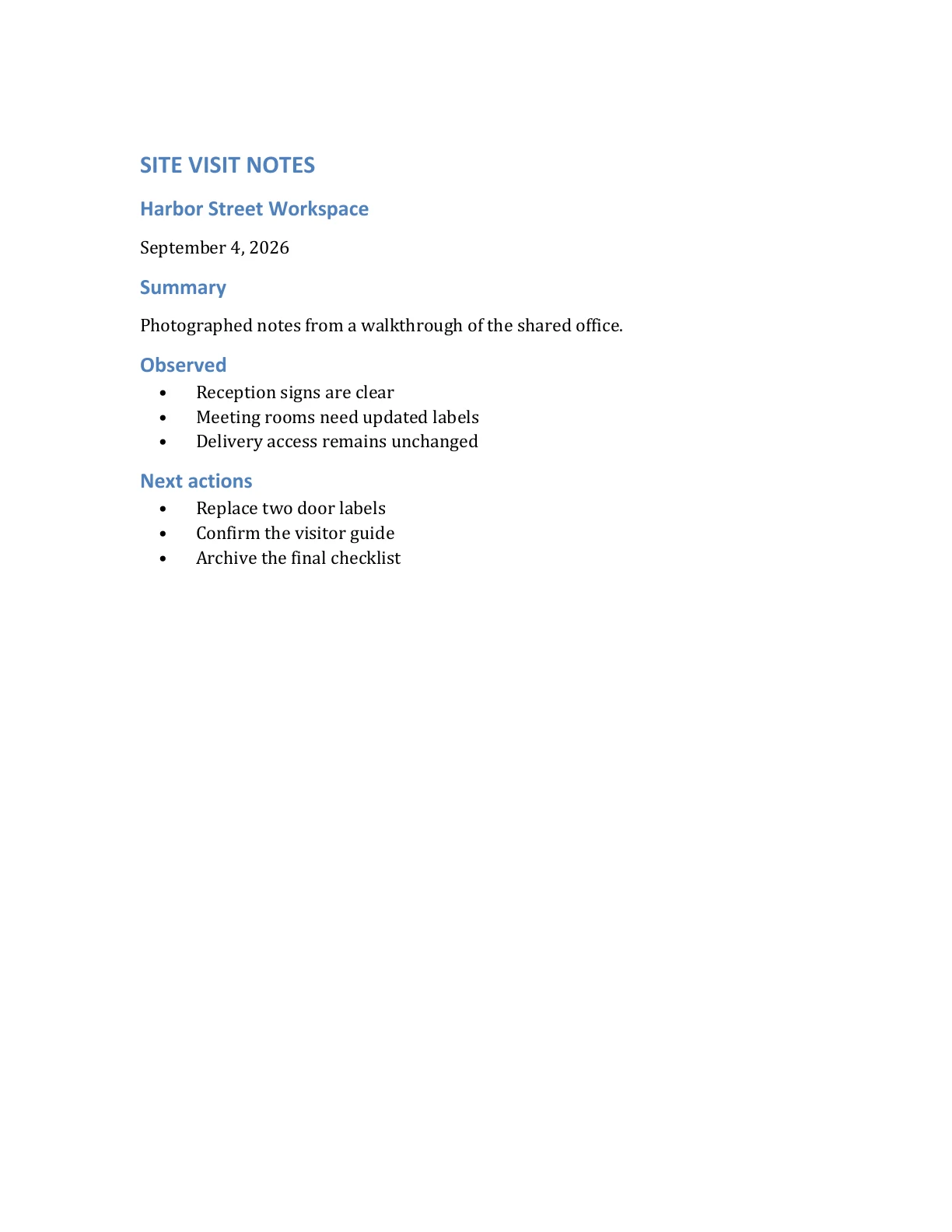
Input image
Open full size
Synthetic desk photo of a document titled Harbor Street Workspace
Word preview
Open full size
First page of the Word document converted from the synthetic desk photo

From camera photo to Word document

Use one focused workflow from photo selection through download.

  1. 01

    Choose a clear photo

    Select, drag, or paste one JPEG, PNG, or WEBP photo up to 10 MB.

  2. 02

    Start the conversion

    Sign in and submit the photo, then follow its status on your private result page.

  3. 03

    Review and download

    Compare the recognized content with your photo and download the DOCX while it is available.

Prepare the photo before upload

Use practical checks for focus, lighting, crop, and output review.

Synthetic document photo prepared for OCR
View all guides

Photo to Word questions

Details about document photos, supported formats, output, accounts, and file retention.

Turn your document photo into Word

Choose one clear photo, review the editable content, and download the DOCX while it is available.