JPG to Word converter

Convert JPG to Editable Word

Turn one JPG or JPEG image into a Word document you can review, edit, and download.

JPG or JPEG. One file up to 10 MB.

JPG to Word Converter

Choose one JPG or JPEG image to convert into a Word document.

Your JPG is uploaded only when you start the conversion.

Real conversion evidence

See a JPG beside its Word output

This synthetic business letter was submitted through the same conversion flow used by the tool above. Open the images or download the DOCX to inspect the result.

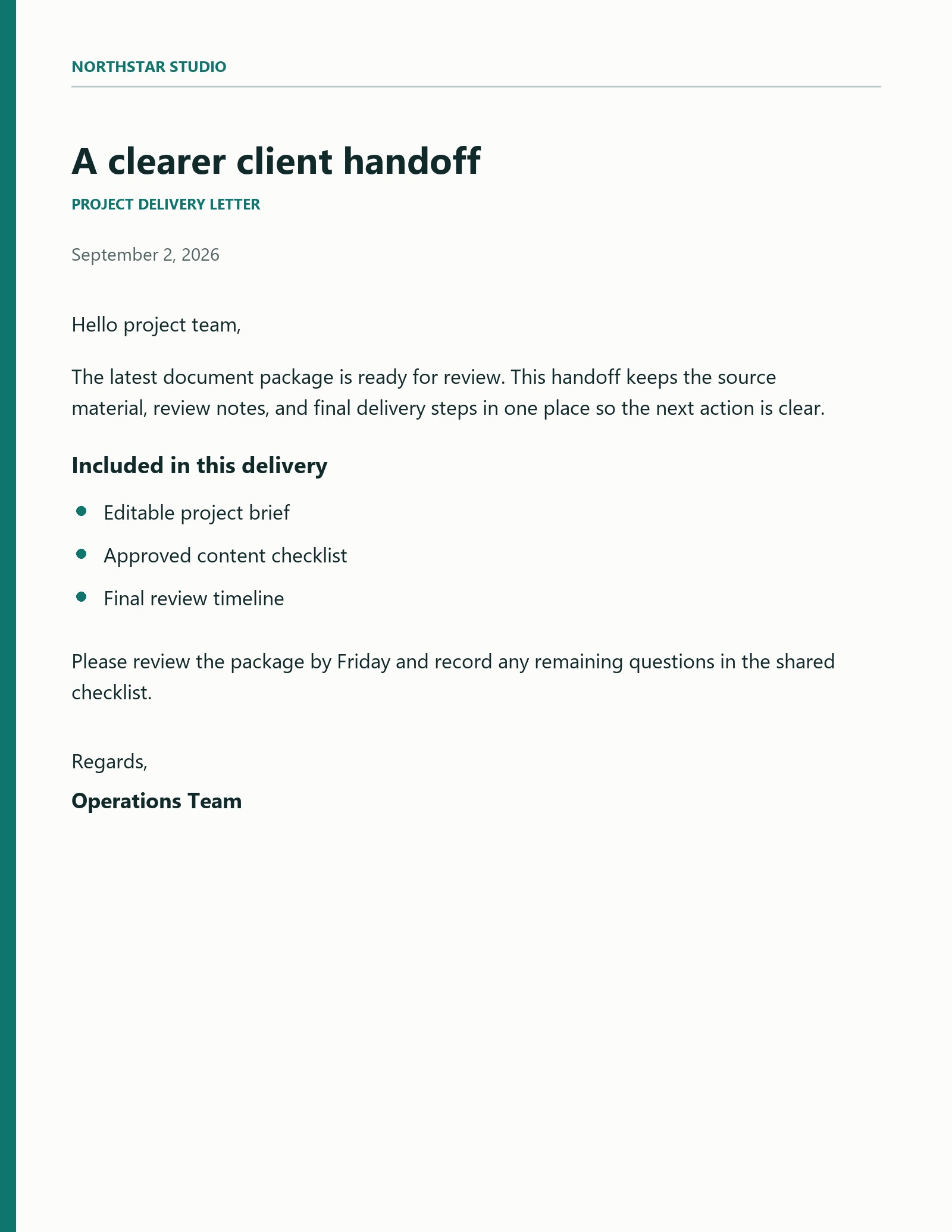
JPEG source

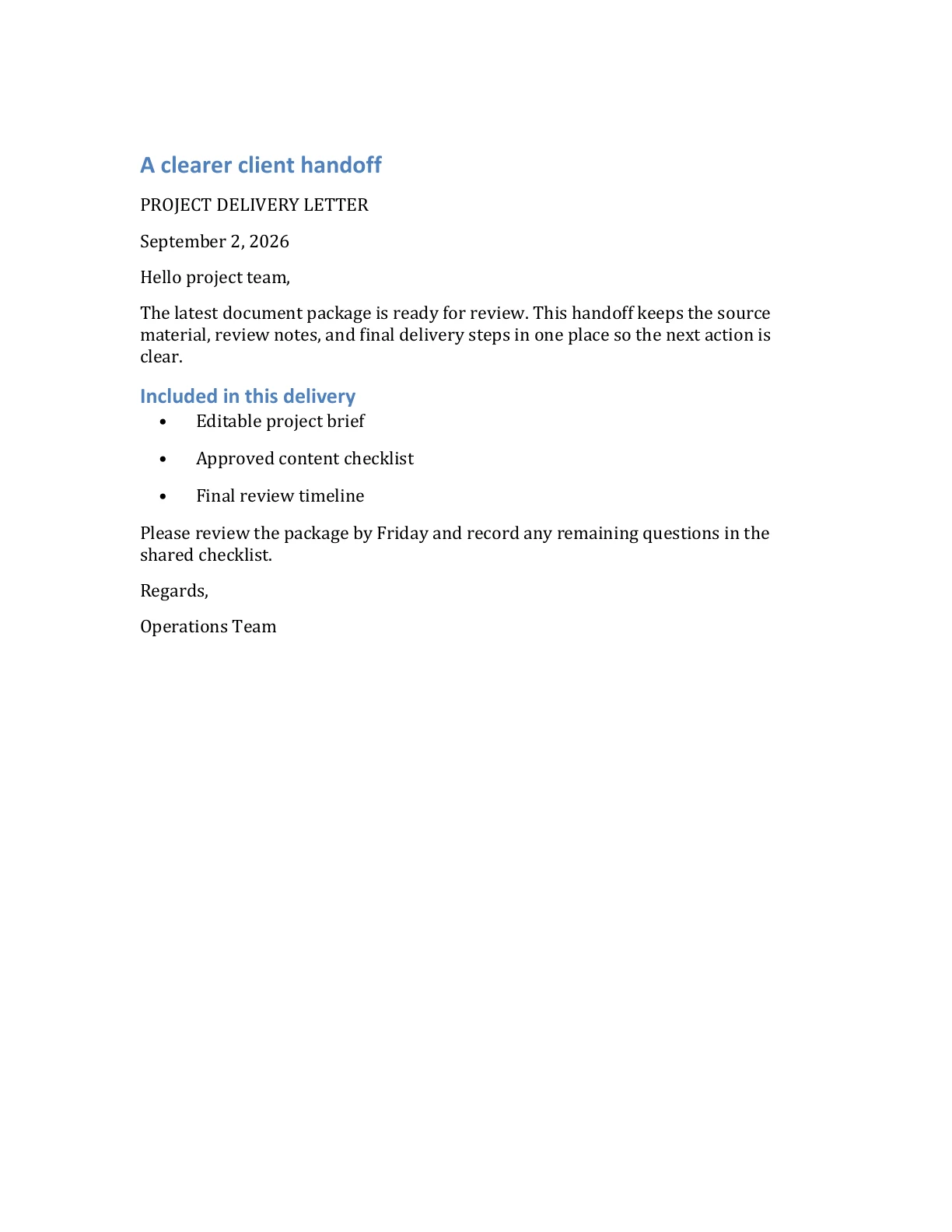
Business letter with paragraphs and bullets

The source contains a title, dated body copy, and a three-item delivery list. The Word output keeps the recognized text editable and separates the heading, paragraphs, and bullets.

Synthetic source document. Word output generated by the live ImageToWord conversion flow.

Download DOCX
Input image
Open full size
Synthetic JPEG business letter titled A clearer client handoff
Word preview
Open full size
First page of the converted Word business letter with editable headings, paragraphs, and bullets

Prepare your JPG

Give the text a clear source image

A clean source makes the recognized content easier to review. These checks improve readability without promising a perfect copy of the original layout.

Use the correct orientation

Rotate the JPG before uploading so headings and body text read from left to right.

Keep text sharp and well lit

Use an image where letters have clear edges and the page is not covered by glare, shadow, or motion blur.

Avoid repeated compression

Whenever possible, upload the original JPG instead of a copy that has been saved or forwarded many times.

Prepare and review your JPG

Use a clear original image, then check the recognized text and document structure.

Clear synthetic JPG business letter prepared for OCR
View all guides

Three steps

From JPG image to Word document

Use the same focused workflow from upload through download.

  1. 01

    Choose a JPG

    Select, drag, or paste one JPG or JPEG image up to 10 MB.

  2. 02

    Start the conversion

    Sign in and submit the image, then follow its status on your private result page.

  3. 03

    Review and download

    Check the recognized content and download the DOCX while the result is available.

JPG to Word questions

Details about accepted files, editable output, accounts, and retention.

Convert your JPG into a Word document

Choose one clear JPG and review the editable output before downloading the DOCX.